
CoPres: the AI that automates construction management.

Site log

Daily site record: one open day, immutable entries, closes at midnight

Local (signed out or no cloud project). Saved on this device (America/Bogota (UTC−05:00)). When you sign in with a cloud project, the cloud site log is used.

Entries

0

7 days

0

With photo

0

There is no open day. Use Create today's day to get started.

Recorded days

Empty site log

Create today's day so the team can start publishing entries.

About this module

Digital construction daily log with artificial intelligence

Record progress, incidents, decisions, and key project events on a searchable timeline. The log documents what happened on site for management, clients, and internal teams: each day opens by date, is filled in during the shift across 8 topics —general details, personnel on site, activities, materials, photo evidence, incidents, commitments, and signature— and closes automatically at midnight. AI writes and transcribes for you, several people post to the same day with author and time on every entry, and everything lives in the cloud, available from a phone, tablet, or computer with an internet connection.

Key ideas

  • CoPres is cloud software to automate construction-job management with artificial intelligence: budget, unit-price analysis, supplies, scheduling, cash flow, purchasing, inventory, labor, management, tracking, daily log, and project files. Several people work the same project at once, with roles and traceability, from any internet-connected device and with nothing to install. AI cuts the initial data entry—generating or importing the budget, building unit prices, reading invoices, or writing the daily log—so the team focuses on quantities, prices, margins, and site decisions.

  • The budget feeds scheduling and cash flow; purchases and invoices update inventory and cost control; the daily log and progress tracking close the loop between planned and executed work. You stop copying figures across loose spreadsheets and work one project in the cloud, with a history of who changed each value. Without an account, work stays on your device; after sign-in it migrates to the team.

  • Built for contractors, supervisors, and cost professionals who need budgets, unit prices, and job control in one system, with reports and real-time collaboration. CoPres does not replace the cost professional: it automates data capture and cross-checking so you can review, adjust, and approve. You can generate a construction budget with AI, import Excel or PDF, copy unit-price analyses from the library, read invoices with AI, and write the daily site log with voice or text.

  • Budget, unit-price, supplies, and cash-flow reports export to PDF or Excel. The menu covers planning, purchasing, labor, management, tracking, the daily log, project files, the library, and account users. One shared project in the cloud keeps quantities, prices, purchases, and progress aligned for the whole construction team. Founded in 2013 in Bogotá, Colombia. Sign up free at www.sistemacopres.com.

More about the AI-powered construction daily log

Benefits

  • Centralize important notes, facts, and photos per project in a daily record organized into 8 topics. Read more…
  • Improve communication between the office and the field: whatever is logged on site is instantly visible to the whole team.
  • Provide historical context for cost and schedule control: immutable entries with author and time, and linked corrections.
  • Multi-user with roles: several people post to the same day, the supervisor and the client or resident engineer sign, and the «View only» role reads without editing.
  • From any internet-connected device, with nothing to install: log from your phone at the work front and review from your computer at the office.
  • Daily PDF report with the 8 topics, photos, and signatures, ready for committees, inspectors, or the client.

An interactive daily record

  • Up to 10 photos per entry, uploaded on the spot from your phone's camera.
  • Tags per entry: budget activities, site materials, workers, subcontractors, and suppliers from your Library.
  • «Correct» and «Comment»: entries are never deleted or edited; corrections and comments stay linked for the whole team.
  • Entries tagged with an activity show up in «Tracking by Activity», next to the work progress.
  • Automatic daily weather based on the project's city, with «Update weather» or manual adjustment.

Benefits of automating the daily log with AI

  • «Write with AI» turns a quick note into clear, professional text for an entry, a correction, or a comment, and adjusts it if you ask for «shorter» or «more formal».
  • «Dictate with AI»: speak out loud and the AI transcribes, ideal when wearing gloves or right at the work front.
  • From the CoPres AI Assistant, with «Do it for me», ask it to log an entry in today's log: you see a preview and it is only posted when you confirm.
  • Less time writing, more time on site: logging the day takes seconds and stays consistent across the team.

The construction daily log in CoPres

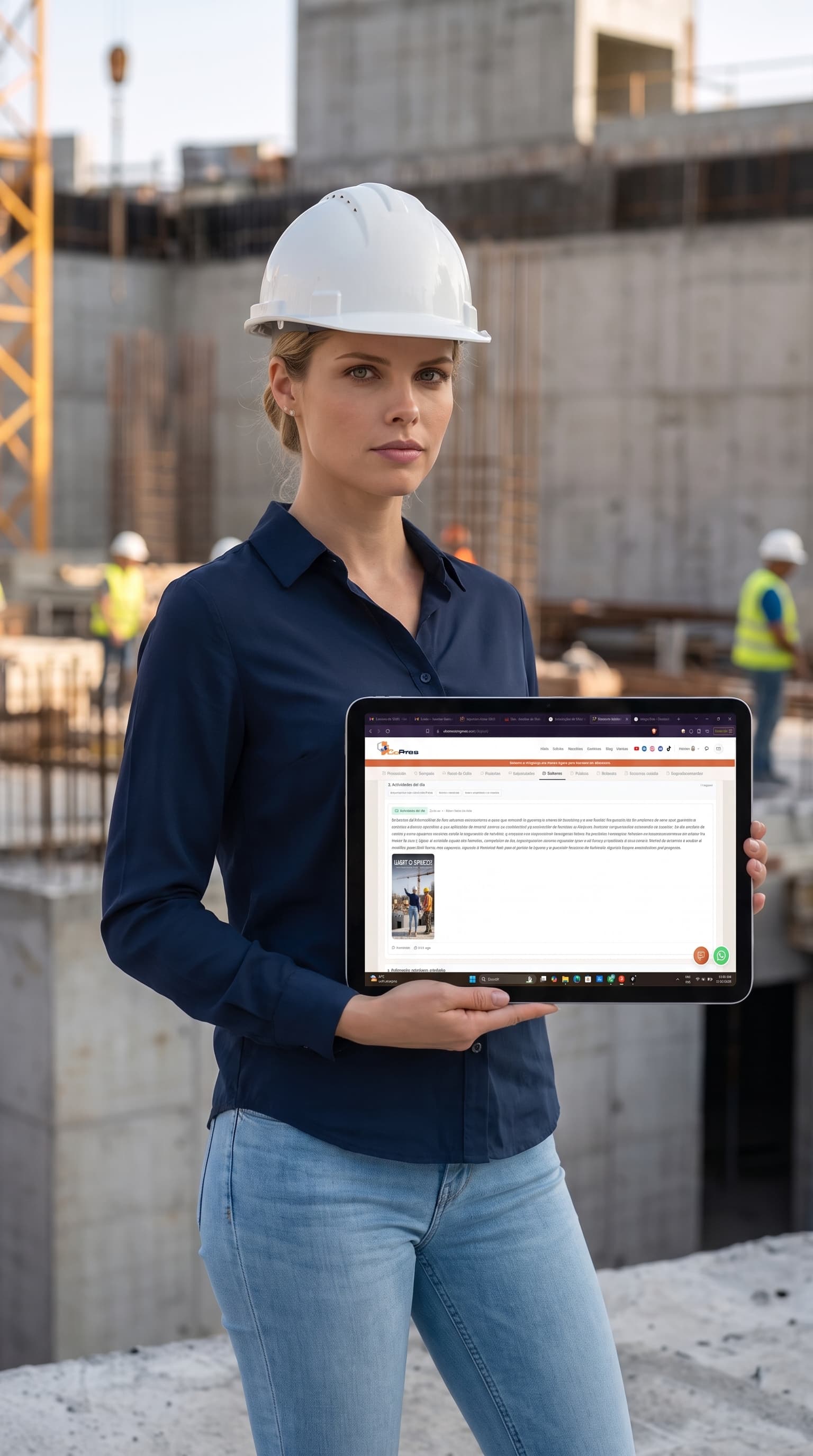
Site professional recording the CoPres digital construction log from a mobile device
From notebook to cloud

A paper site diary gets lost, gets wet, and only the person holding it can read it. In CoPres the log lives in the cloud: each day opens by date, is filled in across 8 topics during the shift, and closes automatically at midnight, ready to consult whenever needed.

AI that writes and listens

AI drafts from a short note, transcribes what you dictate, and logs entries from the Assistant with a preview and confirmation. The team records more, with better writing, without taking time away from field work.

One record for the whole team

Resident engineer, inspector, storekeeper, and director all write on the same day. Each entry shows its author and time, nothing is deleted, corrections stay linked, and roles define who posts, who signs, and who only reads.

Connected to the rest of the project

Tags link each entry to budget activities, materials, workers, subcontractors, and suppliers. What is logged appears in activity tracking and provides the context that explains cost and schedule deviations.

On any device, anywhere

CoPres runs in the browser on a phone, tablet, or computer, with no installation. Without signing in, the log works in local mode on that device; when you sign in, today's entries are uploaded to your account's cloud. Sign up free at www.sistemacopres.com and invite your team.